
Get in touch
Stay informed
Receive monthly updates on trends, products and growth insights in your inbox.





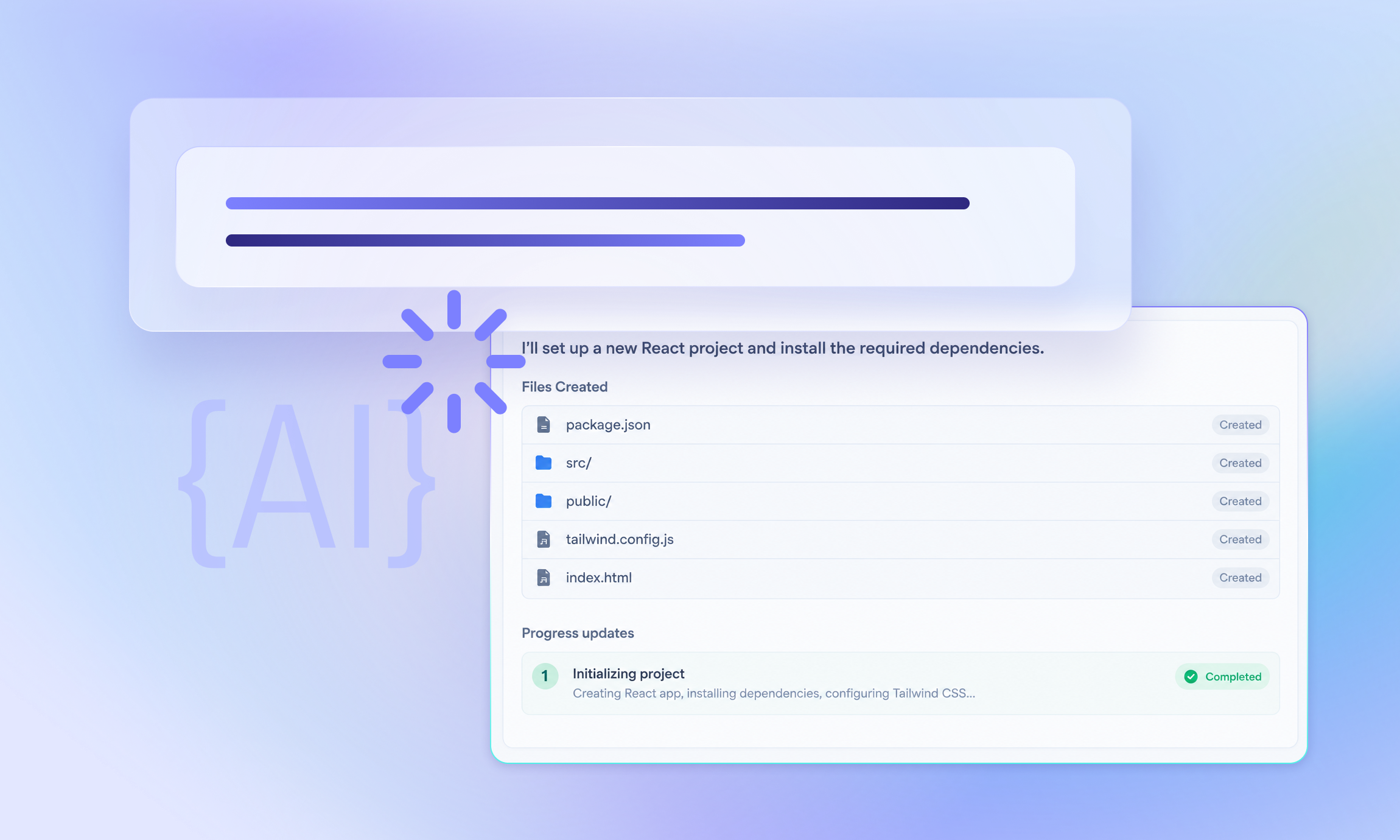

Commerce MCP translates the commercetools API into more than 100 tools that an AI agent can call, each with many parameters and full responses. That breadth helps when a developer explores a project, but it is the wrong default for a back-office agent that does one job, such as creating a promotion or drafting a customer email.
Two problems show up as soon as you connect such an agent to the full surface:
All available data is exposed. An agent that analyzes purchase patterns needs line items, not email addresses, shipping addresses or payment details. A generic order tool returns all data and every field lands in the model’s context. That costs tokens, and it puts personal data in front of a model that has no reason to see it.
The tools don’t know your project. Generic tool descriptions explain the API, not your data model. Which categories exist? Which product attributes can the agent search for? Which custom type should it use when it creates something? Without that context, the agent either spends calls discovering the answers or guessing.
Instructions in a system prompt can soften both problems. But as we wrote in our best practices for guardrails, an instruction only holds while the model reads it and chooses to comply. Real limits have to be enforced outside the model.
Managed MCP Servers are hosted versions of Commerce MCP that you configure centrally, typically one server per agent. For each server, you can:
Because commercetools hosts the server, it also enforces the configuration. The agent’s credential reaches only its MCP server, not the API behind it, so the agent can’t bypass the restrictions by calling the API directly. The configuration itself is available through the API, so you can test changes on a staging Project and promote them through a pipeline, and Platform Insights shows how each agent uses its server.
The takeaway: Every restriction you configure on the server is one the model doesn’t have to remember.
Knowing which levers exist is the easy part. Choosing the right tools, fields and descriptions for one agent in one project is where the work is. That’s what the commercetools MCP skill, part of commercetools for Builders, does for you. You describe the agent’s job in your own words, and the skill:
1. Asks who or what will invoke the agent and how far they’re trusted, because that shapes the tool set as much as the task does.
2. Reads your Project's real data through a connected Commerce MCP, instead of designing against assumptions.
3. Proposes a minimal tool set, field filters and rewritten tool descriptions, and waits for your confirmation.
4. Creates the Managed MCP Server.
5. Tests the server with blind test agents and iterates on what they run into.
The last step is the one we’d single out. Each test agent gets only the task brief and access to the new server. It knows nothing about the chosen tools, the filters or the reasoning behind them. Its report shows where a description wasn’t enough to pick the right tool, where a response lacked a field it needed and which fields it never read. The skill maps each finding to a configuration change and runs the scenarios again.
In our builds, this is what kept the agent on track. A configuration drafted from inspecting the data is a reasonable first guess, and the blind runs force the agent to iterate on it. Most of that iteration went into data filtering: A first draft tends to drop a field the task needs, or keep fields the agent never reads.
The takeaway: A configuration drafted from data is a first guess. Only an agent without your design notes can tell you whether it works.
Consider a store that sells road, gravel and mountain bikes along with clothing and accessories. The marketing team wants an agent that rewards returning customers with a personal discount code. For each customer, the agent should:
1. Analyze past orders to understand what the customer rides and buys: Road, gravel or mountain; the men’s or women’s range; and what they bought recently. Someone who just bought a helmet doesn’t need another one.
2. Search for six products from at least two categories that would make good recommendations.
3. Create a discount code that applies to three fitting categories.
Here is how the skill shapes the configuration for this agent:
Orders without personal data. The agent needs line items to understand what was bought. It doesn’t need email addresses, billing or shipping addresses, so field filtering removes them from the order tool’s responses. The analysis works on purchases, not on personal data.
Search that knows the catalog. The product search tool’s description lists the categories this store uses and the attributes that matter for recommendations, such as the riding discipline and whether a product belongs to the men’s or women’s range. The agent goes straight to a correct query instead of first exploring the data model.
Writes kept narrow. The agent only gets the tools it needs to create the discount. It can’t change products, prices or existing promotions. Parameters the agent shouldn’t decide, such as how often a code may be used, are pinned in the configuration.
The takeaway: Ask what the agent reads and what it writes, then give it exactly that.
Back-office agents rarely work with a single system. For our second example, the agent combines commercetools with a weather service to write personal product recommendations:
1. Look up the customer’s postal code.
2. Query a weather MCP server for the forecast at that location.
3. Search for three products that fit the weather.
4. Write a recommendation email.
We used mcp-weather-free, an open-source MCP server for the free Open-Meteo API, alongside a Managed MCP Server configured with the skill. Any weather MCP server works the same way.
This example shows why field filtering matters more as agents combine sources. The commercetools side only has to answer one question about the customer: Where they are. The customer tool returns the postal code and redacts everything else, so the weather server only ever receives a location, and the model never sees a phone number or street address. The agent drafts the email, and sending it stays with your existing email tooling, which already has the email address.
The product search description carries the project knowledge the agent needs to turn a forecast into a query, for example, which attributes mark a product as waterproof or insulated. As with our other builds, the blind test runs were when the configuration took its final shape, especially for the field filters on the customer and product tools.
The takeaway: When an agent combines data sources, decide per source what it may see. Each server should hand over only what the next step needs.
Once the MCP server is configured, the agent’s workflow can live as a local skill in Claude Desktop. The steps above are written down once, and a team member invokes the skill whenever they need a batch of recommendations or discount codes. A person reviews each result before it reaches a customer.
For this human-in-the-loop setup, configure the server with the CommercetoolsIdentity authentication mode. Each user signs in with the same account they use for the Merchant Center, so there are no API credentials to create or share. The tools a user sees are the result from intersection between the server’s configuration and their Merchant Center permissions, and permission changes take effect without touching the server.
When the workflow runs reliably, it can be moved to an autonomous agent that runs on a schedule or reacts to events, for example, on Amazon Bedrock AgentCore. Three things change:
The getting started guide covers the setup for each authentication mode.
A focused configuration doesn’t make the model smarter. It makes the agent’s world smaller, which makes its mistakes rarer and cheaper to fix. Before your next build:
1. Write down the agent’s one job, and who will run it.
2. Give the agent its own Managed MCP Server with only the tools that job needs.
3. Decide which fields each tool may return before you write a single prompt.
4. Test with an agent that knows nothing about your design, and iterate on what it finds.
Install the commercetools MCP skill and explore our other skills, guides and tools in the commercetools for Builders library, or contact our team for more information.

Receive monthly updates on trends, products and growth insights in your inbox.