
Get in touch
Stay informed
Receive monthly updates on trends, products and growth insights in your inbox.



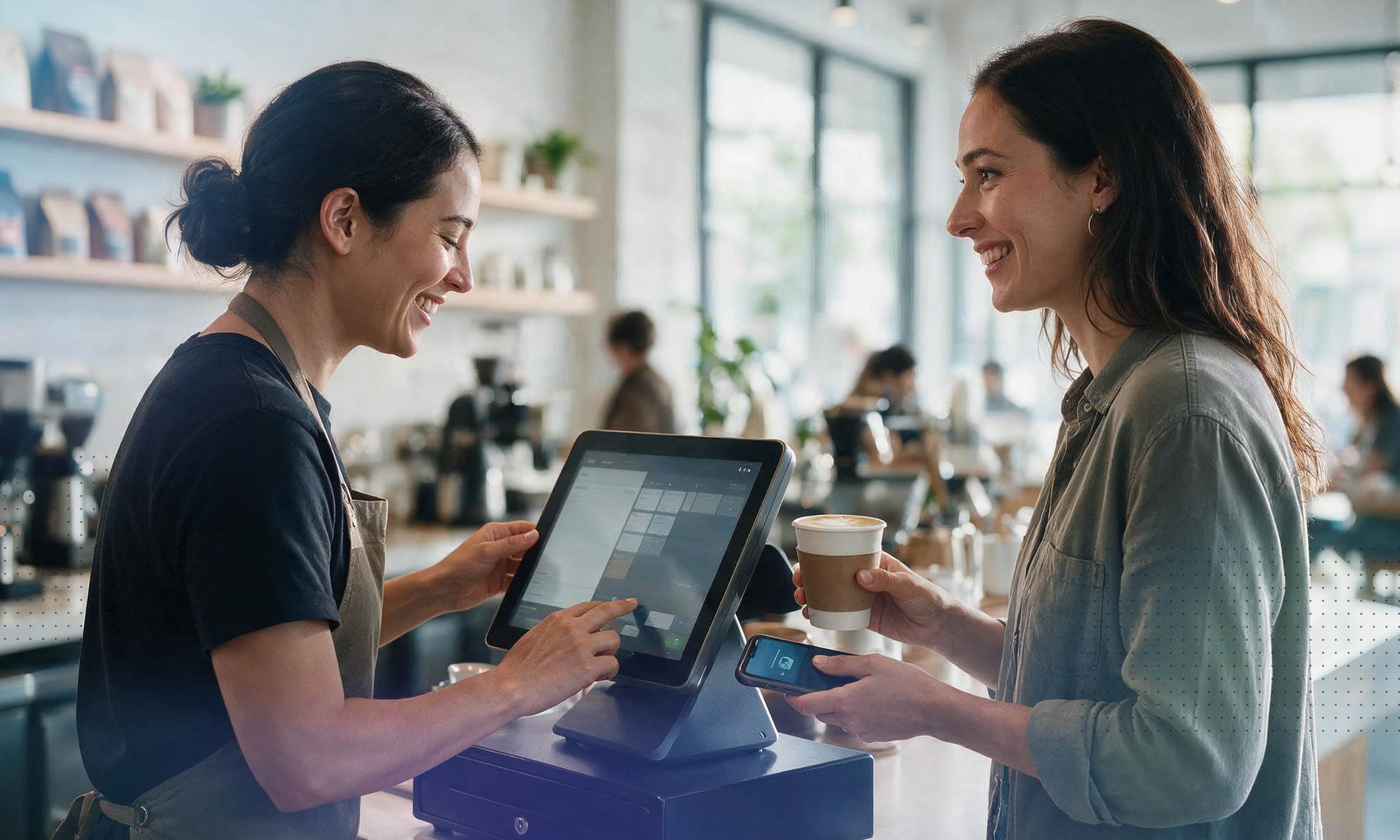

The market for POS (point-of-sale) systems has quietly evolved over the last few years as store modernization projects picked up pace to connect brick-and-mortar stores with digital commerce. For instance, the global POS software market size was valued at US$ 17.1 billion in 2025 and is projected to grow from US$ 19.0 billion in 2026 to US$ 38.8 billion by 2033, at a CAGR of 10.8% from 2026 to 2033.
Just as important, POS is increasingly a commerce operating layer rather than just a payment terminal, with cloud access, multi-location control, inventory syncing and customer data integration now central features. The shift is also being pushed by contactless payments, mobile-first checkout and unified commerce, all of which are changing how modern retailers deploy POS systems.
So, how do you know which type of POS is right for your business? Let’s explore the five types of POS systems.
Today’s POS systems range from traditional on-premises software to modern cloud-native platforms that connect every sales channel. As modern retailers can attest, the need for a single source of truth has become increasingly paramount, and POS systems have begun to make inroads into unified commerce technologies.
While some categories overlap — for example, many modern POS systems are also cloud-based — understanding the different types can help you choose the right solution for your business. Here’s an overview, before we jump into the details in the next sections.
Legacy POS systems are installed directly on in-store hardware and store data on local servers. While they can be reliable for processing transactions, they’re often expensive to maintain and can be difficult to integrate with newer technologies.
Many retailers using legacy POS systems rely on separate applications for eCommerce, inventory management, customer loyalty and reporting, making it harder to maintain consistent data across the business.
Pros:
Cons:
A mobile POS (mPOS) allows staff to complete transactions using a smartphone, tablet or handheld device instead of a traditional checkout counter.
mPOS systems improve customer service by enabling queue busting, line-busting during busy periods, and assisted selling on the shop floor. They’re especially popular with small retailers, restaurants, pop-up stores and businesses that need flexibility.
It’s worth noting that mPOS isn’t a completely different type of POS platform: It’s often a feature of a cloud-based or modern POS system.
Pros:
Cons:
Cloud-based POS systems store data securely online rather than on local servers. This allows businesses to access sales, inventory and reporting from anywhere while receiving automatic software updates.
Cloud POS has become the standard for many retailers because it simplifies deployment, reduces IT maintenance and makes it easier to scale across multiple locations.
Pros:
Cons:
Modern POS systems do much more than process payments. They serve as the operational hub of a retail business by connecting inventory, payments, customer profiles, promotions, loyalty programs, reporting and eCommerce.
Most modern POS systems are cloud-based, but what distinguishes them is the breadth of functionality and their ability to integrate with other business systems. A modern POS replaces multiple standalone applications with a more connected commerce platform that syncs with eCommerce.
Pros:
Cons:
A unified POS represents the latest evolution of modern POS technology. Rather than connecting separate systems through integrations, it operates on a shared platform and common data model.
This means customer profiles, inventory, orders, pricing, promotions and product information are consistent across physical stores, eCommerce, mobile apps, marketplaces and customer service channels.
The result is a true unified commerce experience where customers can move seamlessly between channels. For example, buying online and returning in-store, checking store inventory online or earning loyalty rewards wherever they shop.
A simple way to think about it is: Every unified POS is a modern POS, but not every modern POS is unified.
Many modern POS solutions still rely on separate applications that exchange data via integrations. A unified POS eliminates those silos by keeping everything on a single platform.
Pros:
Cons:
commercetools InStore is a modern enterprise POS, powered by a unified commerce platform. It’s considered a unified POS solution.
Rather than operating as a standalone system, commercetools InStore is built on commercetools’ unified commerce platform with a modular extension architecture that connects in-store transactions with the same commerce platform that powers digital channels.
This enables retailers to access a consistent view of products, inventory, customers, carts and orders across every touchpoint, helping create seamless experiences such as buy online, pick up in store (BOPIS), flexible returns, assisted selling and personalized customer interactions.
The evolution of POS technology has created more options for businesses, but there is no one-size-fits-all solution. The right POS system depends on factors such as business size, operational complexity, number of locations, sales channels and the type of customer experience a retailer wants to deliver.
A small business with a single location may have different requirements from a global retailer managing hundreds of stores and multiple digital channels. For many businesses, a cloud-based or modern POS system provides the flexibility and functionality needed to improve daily operations.
However, enterprise retailers with complex omnichannel strategies often require a more connected approach. This is where unified POS becomes particularly valuable.
Unified POS systems are designed for retailers that need to seamlessly connect physical and digital commerce experiences across multiple locations and channels. By operating on a shared commerce platform, unified POS enables capabilities such as:
For enterprise retailers looking to move beyond disconnected store systems and create a truly unified commerce experience, a unified POS architecture provides the foundation needed to deliver consistent, personalized customer experiences at scale.
Solutions such as commercetools InStore are built to support this approach by extending unified commerce capabilities into physical retail environments, helping multi-store businesses connect their in-store operations with their broader digital ecosystem.
Ready to modernize your physical stores with a unified POS solution? Get in touch with our experts to discuss further.

Manuela leads content strategy at commercetools. With over 20 years of experience in B2B SaaS, she writes about all things commerce by day and turns to fiction by night. She loves long walks, traveling, and, unsurprisingly, reading books.
Receive monthly updates on trends, products and growth insights in your inbox.