Get in touch
Stay informed
Receive monthly updates on trends, products and growth insights in your inbox.






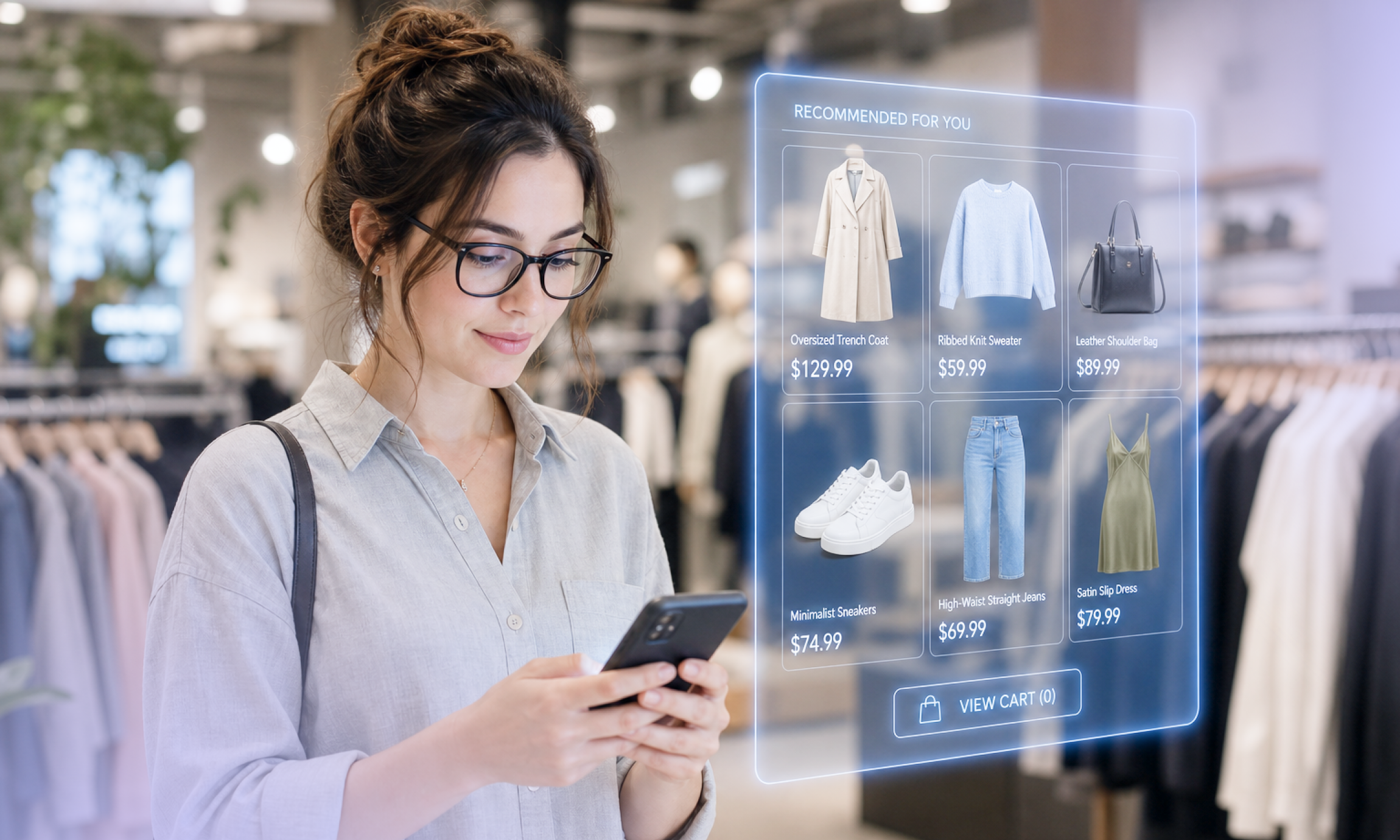
When retailers had only one channel — the brick-and-mortar store — a POS (point-of-sale) system emerged as the go-to solution for handling all in-store processes, from sales and refunds to inventory management. At that time, connecting multiple stores or other channels wasn’t a priority. It simply wasn’t needed.
Then eCommerce emerged, and it hasn’t stopped evolving since. Compare the first digital storefronts and what’s available now; the difference is staggering. Behind the scenes, the technology powering online shopping experiences is dynamic and advanced. In contrast, in-store technology has often remained tied to systems and architectures built for a different era of retail.
Legacy POS systems can be particularly restrictive, with on-premise infrastructure, limited hardware compatibility and cumbersome integration requirements. But retailers have more options today. Modern POS solutions have evolved significantly, with cloud-based infrastructure, APIs and broader functionality that make it easier to connect the store with other parts of the business.
However, connecting is not the same as unifying.
Many modern POS solutions still operate as standalone systems. They can integrate with eCommerce platforms and other commerce systems, but the POS remains a separate application with its own architecture and data model. Retailers may have modernized their POS while still maintaining separate systems for different parts of the customer journey.
That distinction is important. As we explain in our guide to the different types of POS systems for modern retail, a unified POS goes a step further: It operates on a shared platform and common data model, connecting the store to the same commerce foundation as digital channels.
The opportunity, then, isn’t to eliminate the POS. It’s to make the POS part of unified commerce. Several scenarios prove this case.
Say your business wants to connect in-store and eCommerce using their respective, albeit distinctive, systems. Even with an API-based POS system, this isn’t simple. You must create and maintain integration code to sync systems built based on different parameters for promotions, pricing and everything else.
Modern POS systems can make this process easier. But when the POS and eCommerce platform remain separate, retailers still need to determine how those systems share data, coordinate functionality and stay synchronized.
You can connect the two, but you’re still connecting two systems that were designed to operate independently. The result may be a more integrated customer journey, but it can still introduce complexity and create points of friction.
With a unified POS, the in-store experience is built on the same commerce platform as digital channels. Rather than integrating two systems that each operate independently, retailers can work from a common commerce foundation.
Managing a standalone POS and an eCommerce platform can mean retailers still end up duplicating effort when adding functionality that needs to work across channels. A modern POS may provide APIs and extensibility that make this easier, but the underlying challenge remains: Separate systems still need to be connected and coordinated.
Maintaining functionality across separate platforms consumes more time and resources than building on a unified foundation.
When in-store and digital commerce share the same underlying platform, retailers can build experiences that extend naturally across touchpoints instead of continually stitching together separate systems.
To implement changes or updates, many legacy POS systems require new software versions to be built, distributed and physically installed on devices. Because these systems are often on-premise rather than cloud-based, updates can be cumbersome and access to new capabilities can be delayed.
More than anything, on-premise software is a costly investment. Licensing, maintenance and vendor support fees add up, and middleware costs can be high. Managing on-premise infrastructure, including middleware integration and backend synchronization, is entirely on your shoulders. The staffing costs to run this bloated infrastructure also come into play, and they don’t come cheap.
A standalone cloud POS may be faster to update and easier to integrate, but retailers can still be left managing the connection between the POS and their commerce platform.
With a unified POS, the store is part of the commerce architecture itself. Retailers can benefit from modern cloud technology without creating another system that must be integrated with the rest of their commerce ecosystem.
Many legacy POS solutions only support specific hardware vendors. If you prefer an Android-based setup, you’re out of luck: 99% of in-store hardware still runs on Windows. Vendors often dictate hardware choices, limiting flexibility and locking you into specific ecosystems.
Adding to the challenge, most retailers depreciate in-store hardware on a five-to-seven-year cycle. If your current hardware is within that window, you might need to write it off entirely before considering upgrades. And even then, vendor-imposed compatibility restrictions might prevent you from exploring better options. This vicious cycle discourages modernization, keeping your infrastructure locked in with outdated systems.
Modern POS solutions can offer greater hardware flexibility and support newer technology. But hardware flexibility alone doesn’t create unified commerce.
There’s no denying that the POS market has evolved. A modern standalone POS can integrate with an eCommerce platform. It can share data, support APIs and enable sophisticated in-store experiences. But if it remains a separate system, retailers still need to connect it to the rest of their commerce architecture.
It’s possible to connect a standalone POS to an eCommerce platform, but at what cost and how much implementation time is needed? Can you achieve it in a week, or will it take six months? Is it a $10,000 investment, or will it cost you a million dollars? These are critical questions to consider.
At commercetools, we believe unified commerce shouldn’t be this expensive or complex. It’s essential for retail success, so why settle for connecting systems when you can build on a unified foundation?
That’s why our approach with commercetools InStore is different. It’s a modern enterprise POS, powered by a unified commerce platform, with a modular extension architecture that connects in-store transactions with the same commerce platform that powers digital channels.
A unified platform centralizes all commerce data — pricing, products, promotions and customer profiles — in one place. This means retailers can fully leverage digital assets from their eCommerce stores and seamlessly integrate them into the in-store experience.
Today, many store employees switch between an eCommerce site and a POS system to look up product details before completing a sale. With a unified platform, search capabilities, product detail pages (PDPs) and catalogs can remain consistent across all channels.
The same principle applies to the data that powers every interaction. Products, inventory, customers, carts and orders can be accessed consistently across touchpoints, giving store associates the context they need to provide better customer experiences.
A modern POS can integrate with these systems. A unified POS is built on the same platform.
That means the POS doesn’t have to act as another system that needs to exchange data with the commerce platform. Instead, in-store transactions are part of the same commerce environment that powers digital channels.
Retailers need technology that allows them to turn ideas into reality quickly. With a unified commerce approach, new functionality can be deployed in weeks instead of months, reducing the complexities of integrating multiple systems.
What’s more, cloud-native infrastructure makes it easier and faster to deploy updates, keep systems current and add new capabilities without the constraints of on-premise software.
For the store, this means the POS can evolve alongside the rest of the commerce experience.
A modern standalone POS can deliver faster innovation than a legacy system. But when the POS is part of the unified commerce platform, retailers can innovate without creating another layer of integration between store and digital systems.
A composable architecture, backed by an API-first approach, enables you to customize features according to business needs without limits. You can build unified shopping experiences entirely from pre-built components from a third-party vendor like commercetools or bring your own.
With an open, composable architecture, you own the experience codebase and have the freedom to modify it as you see fit. Composable commerce isn’t prescriptive, so you can:
By adopting a composable approach to unifying commerce, you’re not just merging channels — you’re enhancing experiences daily.
Let’s explore three key use cases that commercetools InStore supports:
Customers love visiting stores to see, touch and experience products in person before deciding to buy. Imagine if they could save items to a shopping list, wish list or cart while in-store — and complete the purchase later online. The cart would remain accessible from any device, allowing shoppers to research or finalize their decisions at home.
With a unified POS, the in-store interaction doesn’t have to end when the customer leaves the store. The same cart and commerce context can continue across digital and physical touchpoints, creating a more connected journey.
Keeping transaction receipts isn’t always practical, but the vast majority of retailers require them when processing a product return. What if store associates could see all customer purchase activity across all channels and process the return smoothly?
When the POS and digital channels operate on the same commerce platform, store associates can access the customer and order context they need without having to reconcile different order sources, a common complication caused by separate online and in-store systems. It’s much easier for staff and customers to finish the process without friction.
It’s commonplace for customers to check online whether a product is available at a specific store before visiting, so providing real-time store-level availability is essential.
Say a customer has already added an item to their online cart. When they arrive in-store, sales associates can instantly pull up the saved cart or access their purchase history to confirm the correct product. If needed, shoppers can complete in-store transactions by scanning a barcode or building a new cart on-site.
If the item isn’t available in the desired size or color, store staff can arrange for it to be shipped directly to the customer’s home.
Customers can purchase in-store and out-of-stock items in a single transaction, even using split payments across cash, credit cards and digital wallets. In summary, the cart is portable, enabling a smooth experience across digital and physical touchpoints.
POS systems were designed for a different era of retail. But the answer isn’t to eliminate the POS. Nor is it enough simply to replace a legacy POS with a modern standalone one.
As commerce continues to evolve, retailers need a more flexible, modern approach that connects digital and physical experiences at the platform level.
At commercetools, we see POS as an integral part of unified commerce, supporting the needs of stores today while operating on the same commerce foundation as every other customer touchpoint.
InStore continues to mature around that vision. Retailers can now start with a productized POS application while retaining the flexibility and extensibility of a composable architecture.
To enhance reliability in varying network conditions, commercetools InStore is introducing offline support that helps stores continue operating even when internet connectivity is disrupted. Capabilities, including offline catalog access and cart building to keep store operations running, with data synchronizing once connectivity is restored.
InStore is also expanding its support for retailers operating across markets, with fiscalization capabilities now available in Germany and Norway, as well as support for additional European markets planned.
So, what if the future of POS lies in being part of a unified commerce ecosystem?
That’s the approach we’re taking with commercetools InStore: A modern enterprise POS powered by a unified commerce platform that connects in-store transactions to the same commerce platform that powers digital channels.
Contact our InStore team for more information about how to start your unified commerce journey with commercetools.

Technology executive with 30+ years in retail software, product strategy, and enterprise architecture. Cofounder of multiple companies focused on omnichannel and in-store solutions, with a track record of solving complex business challenges and driving retail innovation.
Receive monthly updates on trends, products and growth insights in your inbox.