Get in touch
Stay informed
Receive monthly updates on trends, products and growth insights in your inbox.






For decades, the point-of-sale (POS) system had one primary job: Process transactions at a fixed checkout. Today, physical stores play a much broader role. They are sales channels, service hubs, fulfillment locations and important touchpoints in the customer journey.
As retailers expand across locations, markets and digital channels, a standalone POS may no longer support the complexity of their operations. Store associates need access to accurate product, inventory, order and customer information, while retailers need to coordinate selling and fulfillment across channels.
This is where an enterprise POS system becomes important, as it connects in-store selling with the wider retail technology ecosystem.
For large, multi-store retailers, the question is no longer whether a POS can process a transaction, but whether the system can support connected store operations, adapt to different business requirements and deliver consistent experiences as the business evolves.
An enterprise point-of-sale (POS) system is a retail selling solution designed to support the operational complexity of large retailers, including businesses with multiple stores, markets, sales channels and interconnected systems.
Beyond processing payments, an enterprise POS connects in-store selling with commerce data and workflows such as inventory, pricing, customer profiles, orders and omnichannel fulfillment. Depending on the platform, it may also support mobile selling, advanced store operations, localized payments and integrations with existing retail systems.
Unlike a standalone POS designed primarily to complete transactions, an enterprise POS supports a consistent selling experience across locations and channels, integrates with the retailer’s broader technology ecosystem, and adapts as business requirements evolve.
Retailers often start evaluating new POS systems when they’ve outgrown a legacy solution or need to support more complex workflows. This might include operating across multiple stores and countries, connecting physical and digital sales, supporting different fulfillment models or adapting the POS to unique business requirements.
The six capabilities below provide a framework for assessing whether an enterprise POS can meet those needs.
When a customer’s shopping journey spans multiple channels, disconnected systems can create friction. An associate may struggle to access an online order, confirm product availability or help a customer complete a purchase that involves both in-store and delivery items.
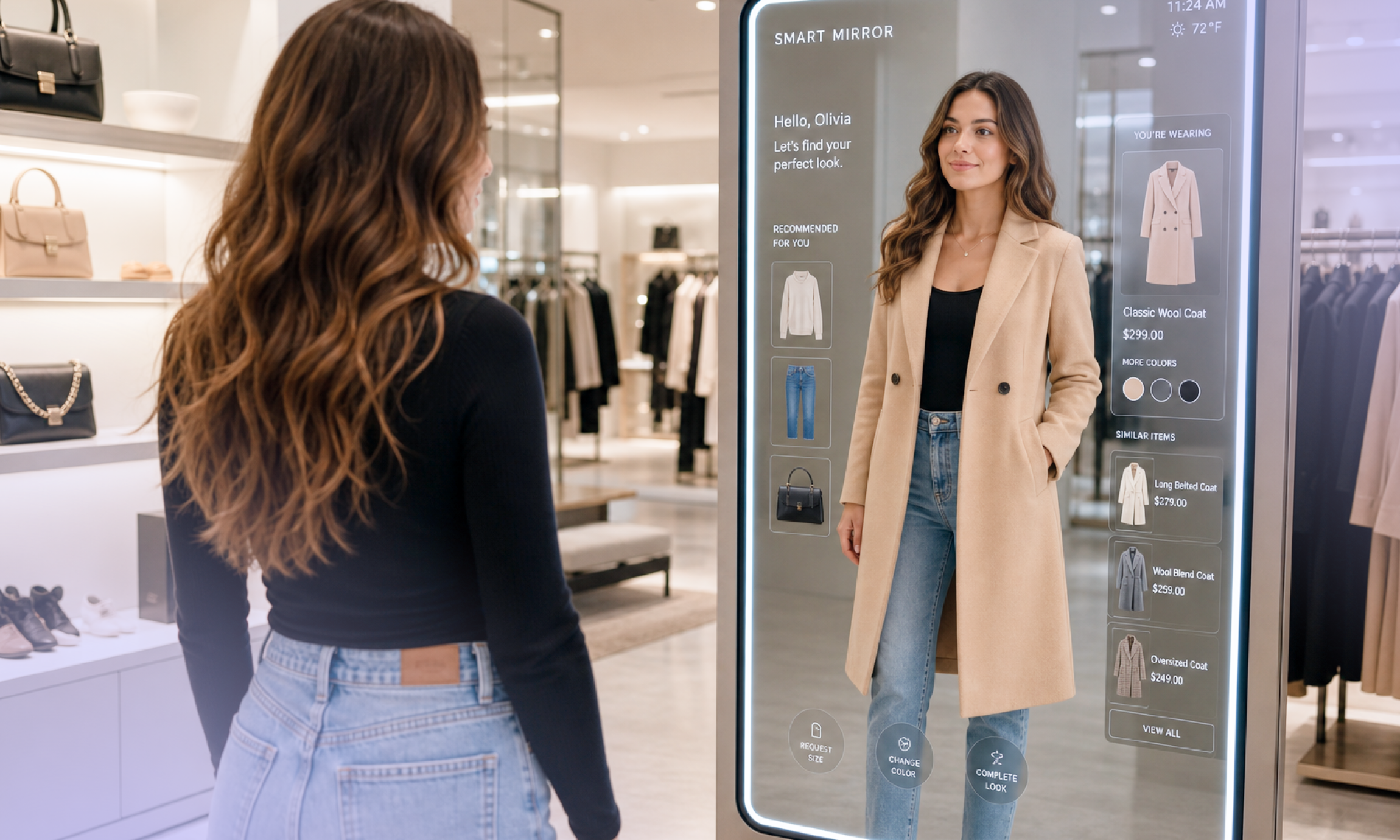
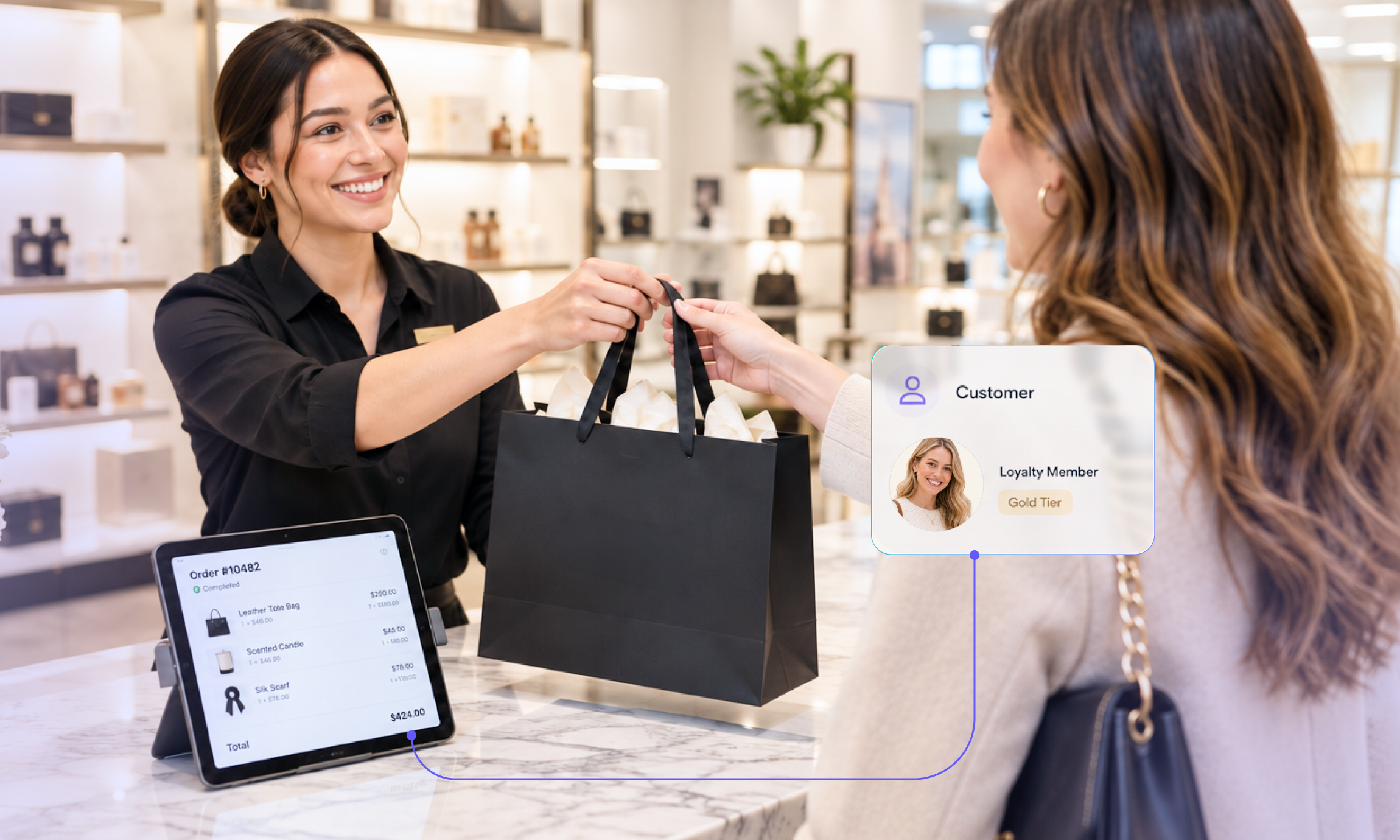
An enterprise POS should connect in-store selling with the commerce data and workflows used across a retailer’s other channels. This can include product information, pricing, promotions, inventory, customer profiles and orders.
A unified commerce foundation helps store associates work with consistent information instead of relying on disconnected systems that must be synchronized. It also provides retailers with a foundation for introducing new sales and fulfillment capabilities without unnecessarily duplicating functionality across channels.
What to look for:
Business benefits:
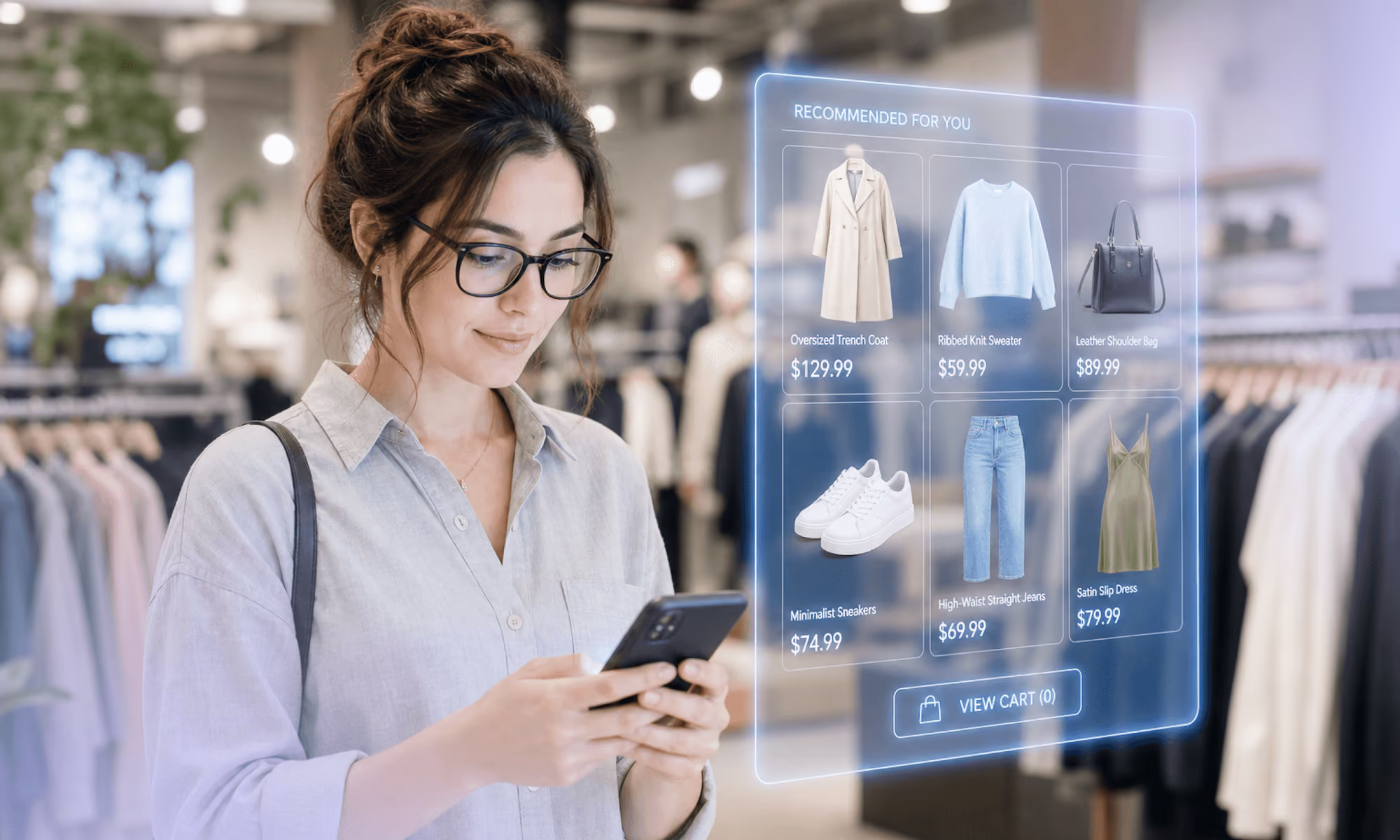
Customers don’t always want to complete a purchase at a fixed checkout. They may need product advice on the sales floor, assistance with an online order or help finding an item that isn’t available in-store.
An enterprise POS should support diverse selling environments, allowing store associates to serve customers wherever interactions occur. Depending on the platform, this may include traditional checkout terminals, mobile POS devices and handheld equipment.
For example, an associate helping a customer on the sales floor may need to check product availability, create a cart and complete a transaction away from the traditional checkout. The experience should be consistent with the retailer’s other supported selling workflows.
What to look for:
Business benefits:
Enterprise retailers rarely have identical operational requirements. Store formats, regional regulations, business models and existing technology stacks can all influence how a POS needs to work.
Over time, retailers may need to introduce a new store format, support a market-specific workflow or connect an additional system without rebuilding the entire POS environment. An extensible platform can help accommodate these changes while reducing dependence on one-off custom solutions.
An extensible architecture allows retailers to configure existing functionality, integrate other systems and extend capabilities to accommodate specific requirements. Instead of relying on a rigid, one-size-fits-all solution, retailers can adapt the platform as their needs change.
It helps to distinguish three related concepts:
These approaches serve different purposes. A flexible architecture should make it clear which requirements can be met through configuration, which need extensions and which depend on external systems.
However, extensibility alone doesn’t guarantee that changes will be easy or inexpensive. Implementation effort, upgrade compatibility and ongoing maintenance still matter.
What to look for:
Business benefits:
Customers increasingly move between physical stores and digital channels throughout their shopping journeys. They might research a product online, purchase it in-store, collect an order at a different location or return an online purchase to a physical store.
An enterprise POS should support the workflows needed to connect these interactions. Depending on the platform, this may include buy online, pick up in store (BOPIS), click and collect, ship-from-store, endless-aisle selling and cross-channel returns.
How does omnichannel POS differ from unified commerce?
Unified commerce provides the connected commerce data and operational foundation. Omnichannel capabilities build on that foundation to support customer journeys that span channels.
The two concepts are closely related, but they aren’t interchangeable. Connecting systems doesn’t automatically mean that customers and associates can complete cross-channel workflows seamlessly.
What to look for:
Business benefits:
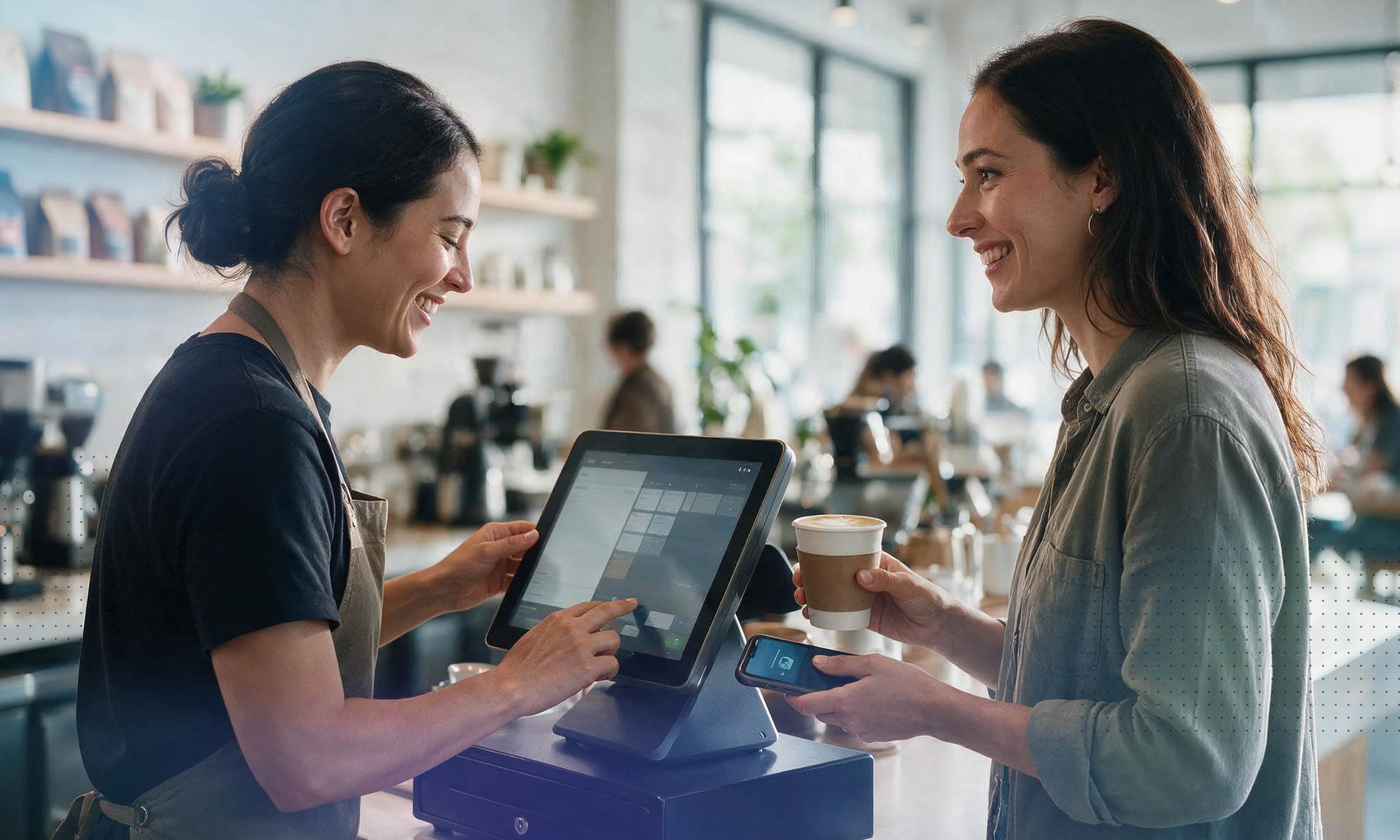
Payment requirements vary by country, customer preference, store format and business model. Enterprise retailers may need to support multiple payment methods, work with different payment providers and adapt to changing market requirements.
A POS that depends on a narrow set of payment options can make it harder for retailers to adapt to local preferences or introduce new payment methods. Payment flexibility can also affect international store operations, especially when providers, currencies and regulatory requirements vary by market.
An enterprise POS should support the payment workflows the business needs while providing a clear approach to integrating payment services. This is particularly important for retailers operating across multiple markets.
What to look for:
Business benefits:
A modern enterprise POS must support both secure access and reliable store operations. Retailers need to control what associates can access and do while ensuring essential selling workflows continue when technical problems occur.
In a large retail organization, associates, managers and administrators may need different permissions. At the same time, stores need a clear plan for handling temporary network outages or disruptions to connected services.
Security and resilience are related but distinct requirements. Security concerns include permissions, access controls and appropriate handling of sensitive information. Resilience concerns how the system responds to outages, connectivity problems and other operational disruptions.
Offline functionality can help keep certain in-store activities running when connectivity is lost. However, offline capabilities vary by platform and transaction type, so retailers shouldn’t assume every operation will remain available during an outage.
What to look for:
Business benefits:
During evaluation, retailers should test what happens when connectivity fails, which transactions can still be completed, how transactions are recorded and how data is synchronized after service returns.
The six capabilities above describe the broader requirements an enterprise POS should support. Individual features help determine whether a particular platform can meet your business needs. Not every retailer will require every feature.
When comparing platforms, distinguish between features that are available natively, those that require configuration, and those that depend on integrations or additional development. Also consider how well the features work together in real store workflows.
For a more detailed framework covering requirements, vendor evaluation, demos, costs and implementation planning, see our guide to choosing the right enterprise POS system.
For retailers looking to connect in-store selling with their wider commerce operations, commercetools InStore provides an enterprise POS built on the Sphere platform.
Its capabilities include:
With commercetools InStore, retailers can build connected in-store experiences on a commerce foundation designed to be customized and evolved as business requirements change.
An enterprise POS should do more than process transactions; it should support the way a retailer sells, serves customers and manages store operations across locations and channels.
The six capabilities outlined here — unified commerce, flexible selling, extensible architecture, omnichannel experiences, payment flexibility, and secure, resilient operations — provide a starting point for evaluating whether a platform can support those needs.
Individual features matter, but so does the foundation behind them. Retailers should look beyond feature lists to understand how data flows across systems, how real store workflows operate and how the platform can adapt as requirements evolve.
Once you’ve identified the capabilities your business needs, the next step is to compare solutions against your requirements, test realistic scenarios and assess the long-term cost and complexity of implementation.
Contact us for a personalized demo to explore how commercetools InStore could support your retail operations.
A traditional or standalone POS primarily focuses on processing transactions, though many also support integrations and additional features. An enterprise POS is designed to accommodate the operational complexity of larger retailers, including multiple stores, connected commerce systems, diverse selling workflows and market-specific requirements. The practical difference depends on the capabilities and architecture of the solutions being compared.
The most important features depend on the retailer’s operating model. Common requirements include connected access to commerce data, flexible selling across devices, integration capabilities, omnichannel fulfillment, payment flexibility and secure, resilient store operations. Retailers should also evaluate specific functions such as inventory visibility, loyalty, cash management, fiscalization and offline transactions according to their needs.
An enterprise POS can support omnichannel retail by giving store associates access to relevant commerce information and workflows across channels. Depending on the platform and integrations, this may include online order visibility, BOPIS, ship-from-store, endless-aisle selling and cross-channel returns. These capabilities help retailers connect physical and digital shopping journeys rather than treating each channel as a separate operation.
Yes, enterprise POS solutions commonly offer integration capabilities, but the systems supported and the complexity of implementation vary. Retailers should assess how the POS connects to systems such as commerce platforms, order management, inventory, payments and customer platforms. They should also identify which system owns each type of data, how updates are synchronized and which capabilities require custom development.
Replacing a POS can affect store operations, associate workflows and connected systems. A phased rollout, starting with a pilot group of stores, can help retailers test workflows, identify issues and reduce implementation risk before expanding. A transition plan should cover integrations, data migration, associate training, change management and how the new system will operate alongside existing systems during the rollout. A phased approach can reduce disruption, but it cannot guarantee zero downtime.
Some enterprise POS platforms can support international retail operations, but the extent of that support varies. Retailers should evaluate language and currency requirements, local payment methods, tax handling, fiscalization and other country-specific obligations. They should also determine which requirements are supported natively, which depend on integrations and which require local configuration or additional development.
Some POS platforms support offline functionality, allowing selected in-store transactions to continue during a connectivity outage. However, supported workflows, payment methods and synchronization behavior vary. Retailers should test which transactions remain available offline, how data is stored and synchronized, what limitations apply, and how the system handles conflicts or failed synchronization when connectivity returns.

Manuela leads content strategy at commercetools. With over 20 years of experience in B2B SaaS, she writes about all things commerce by day and turns to fiction by night. She loves long walks, traveling, and, unsurprisingly, reading books.
Receive monthly updates on trends, products and growth insights in your inbox.